
An off-the-shelf computer is built for the average buyer. A custom-built PC is built for you: the games you play, the software you run for work, the space on your desk and how long you want the machine to last. If you are thinking about custom-built PCs in Las Vegas, it helps to know how a good build is planned, what happens on the bench, and what support you should expect afterward.
Who Benefits From a Custom-Built PC
Custom builds make the most sense when your needs don’t fit a standard model. Common examples include:
- Gamers who want a graphics card, processor and cooling that match the games and frame rates they care about.
- Creators who edit photos, video or audio and need plenty of memory, fast storage and a reliable power supply.
- Businesses that need dependable workstations or servers set up the same way across several desks.
- Anyone who wants a quiet, well-cooled machine without extra software installed at the factory.
Step One: Planning Around How You Use It
A good build starts with a conversation, not a parts list. What will you do most days? Which programs or games matter most? Do you need lots of storage for files, or speed for large projects? How many monitors will you connect? Is noise a concern?
The answers point to where the money should go. A gaming PC usually leans on the graphics card. A video editing machine needs memory and fast SSD storage. An office workstation needs reliability and enough power to stay responsive for years. Planning this way keeps you from paying for parts you won’t use and from skimping on the parts that matter.
Step Two: Choosing Parts That Work Together
Every part has to fit and cooperate with the others. The processor has to match the motherboard. The power supply needs enough capacity, with room to spare, for the graphics card and everything else. The case needs space and airflow for the cooler and the card. Memory and storage need to be supported by the board you choose.
This is where experience helps. A builder who handles parts every day knows which combinations run cool and stable, and which ones cause trouble. It is also a good time to plan for later: leaving room for more memory, another drive or a future graphics upgrade can stretch the life of the computer.
Step Three: Building and Testing
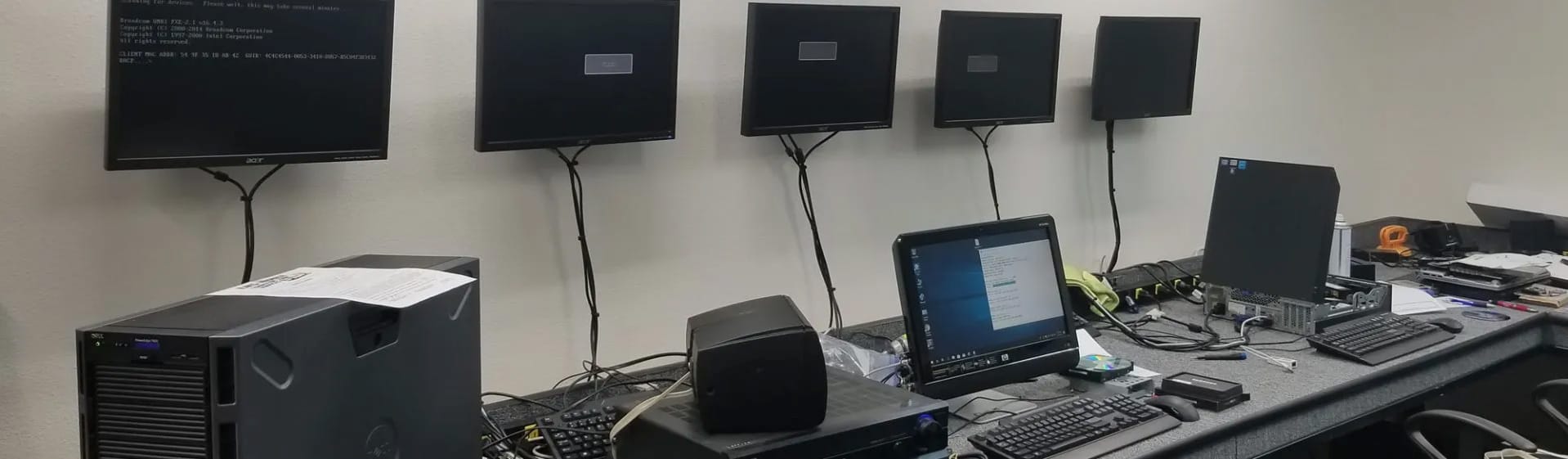
Assembly is more than plugging parts in. Clean cable routing helps airflow and makes future upgrades easier. Fans and coolers need to be set up so air moves through the case instead of just around it. Firmware and drivers should be updated before the computer goes home.
Testing matters just as much. A careful build is run under load to check temperatures, stability and memory before you ever see it. Problems that show up on the bench are easy to fix; problems that show up a week later at home are not.
Step Four: Support After You Take It Home
The biggest difference between a custom PC from a local shop and one assembled from an online order is what happens when you need help. Ask who you call if something stops working, whether the warranty covers the whole system, and whether you can bring it back for upgrades.
At Vegas Micro, new desktops and servers are built here in Las Vegas and come with a 3-year warranty. If something comes up, you deal with the same people who built it. And when you are ready for more storage or a faster graphics card, we keep hundreds of parts in stock, from drives and SSDs to power supplies and cables.
Custom Build or Ready-Made?
A custom build isn’t always necessary. If you mainly browse the web, answer email and work with documents, a quality new or used computer may serve you just as well. You can see what’s ready to go on our computers for sale page, and our guide to buying a used computer in Las Vegas explains what to check.
If you have specific needs, like gaming, content creation, a business workstation or a server, a custom build lets you get exactly what you need without extras you won’t use.
Plan Your Custom-Built PC With a Local Shop
Vegas Micro has built and repaired computers in Las Vegas since 1999, including custom gaming PCs, workstations and servers. Tell us how you plan to use the computer, and we’ll help you plan a build that fits, assemble and test it, and support it afterward.
Need a hand? Call Vegas Micro at 702-804-6610, email sales@vegasmicro.com, or contact us online.